
Plan fitness benefits — serving seniors across the Glades
Mon–Fri 8AM–5PM  ·  561-440-2166
Senior Friendly Fitness logo Senior Friendly Fitness Living Stronger, Longer

Home  /  Learning Library  /  Cybersecurity basics

Safety & awareness

Cybersecurity basics

Learn practical online-safety habits: pause at unexpected links, use unique passwords and multifactor authentication, and keep software updated.

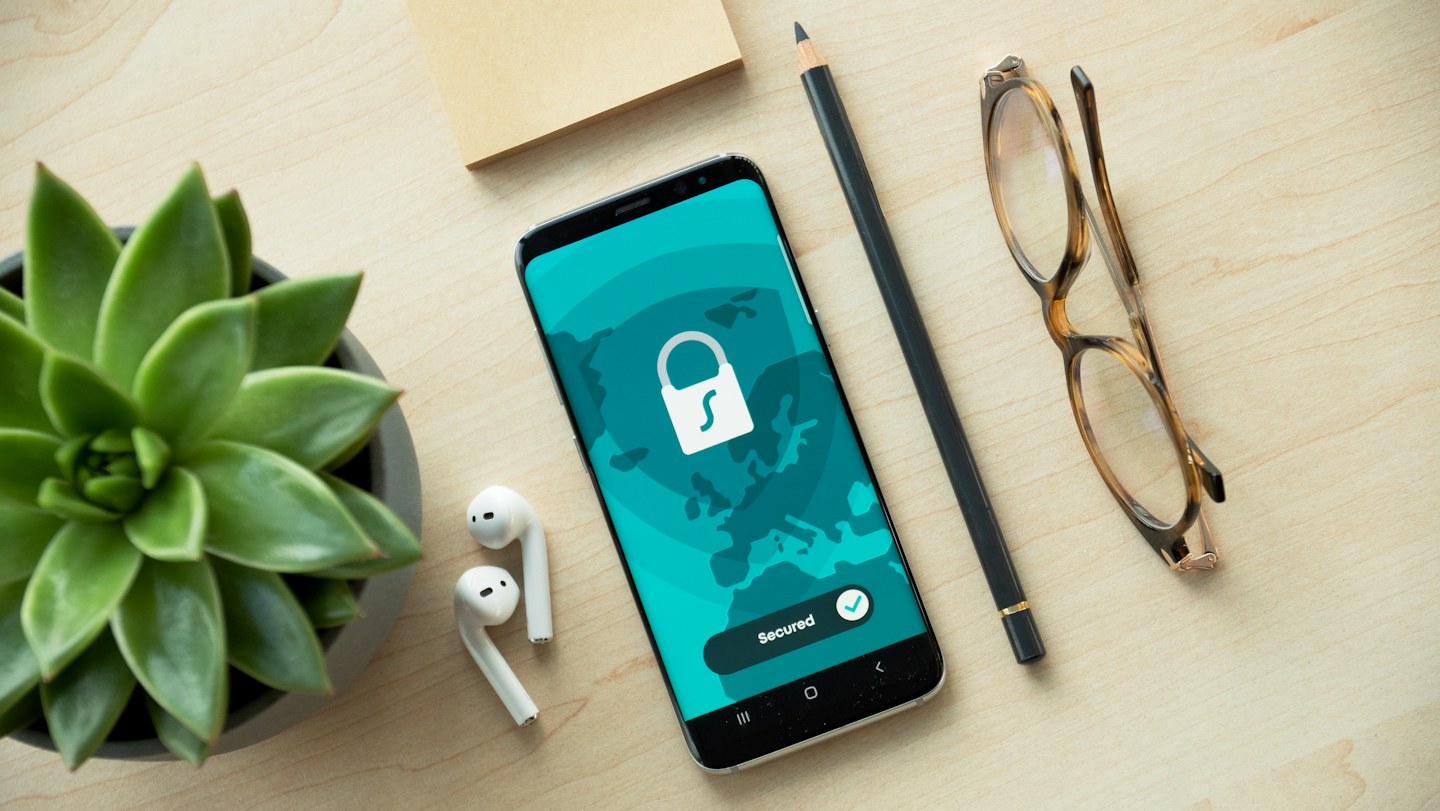
A smartphone displays a lock symbol on a desk beside glasses and a pencil.
A lock is a useful reminder to protect account access and personal information.Photo by Dan Nelson / Unsplash License
General education, not professional advice. Senior Friendly Fitness is not a medical provider, doctor, dietitian, or nutritionist. This article is not personal medical, nutrition, legal, cybersecurity, or financial advice. Ask a qualified professional about individual concerns.

Class and activity scope. Before teaching, check each activity and slide deck against current Tivity Health and SilverSneakers program rules and instructor guidance for your class. Adapt or leave out anything that does not fit those requirements or participant needs.

Cybersecurity is a set of everyday habits for protecting accounts, devices, and personal information. No single step removes every risk, but a few repeatable routines can make it easier to spot a suspicious request and know what to do next.

Four habits worth practicing

CISA’s Secure Our World campaign groups everyday guidance into four actions: recognize and report phishing, use strong passwords, turn on multifactor authentication (MFA), and install software updates. A password manager can help keep passwords long and different across accounts. MFA adds another step—such as an app prompt or code—when signing in.

Recognize a message that deserves a second look

An unexpected message may push urgency, ask you to open an attachment, or request personal information. Pause before clicking. If it appears to come from a bank, health plan, delivery company, or government office, contact the organization through its official app, website, or a number you already trust. Never give a caller a sign-in code just because they say they need it to protect your account.

Make the next step manageable

Choose one account—often email is a practical place to start—and review its security settings with a trusted helper if you want support. Check whether MFA is available, whether recovery information is current, and whether the device is offering an official update. If something looks unfamiliar, stop and ask before sharing information or changing an account.

A preview of the class handout

Inside the upcoming presentation PDF

The presentation PDF will turn CISA’s core ideas into plain examples: a suspicious message, a password habit, an MFA prompt, and a software update. It is designed for awareness and discussion, not a technical audit.

  • Spot common signs of phishing and practice not opening a surprising link.
  • Understand why different passwords and a password manager can help.
  • Learn what multifactor authentication prompts may look like.
  • Find the device’s ordinary software-update settings and ask for help when unsure.

The downloadable PDF is coming soon. This button will activate when its file is added.

Ask about this topic

This is awareness education only. It does not inspect devices, recover accounts, or guarantee protection from fraud.

← Back to all Learning Library topics